

Best Gaming CPU 2026: Top Ryzen and Intel Processors for Every Budget
Last updated: October 18, 2026
Quick answer: The best gaming CPU in 2026 is the AMD Ryzen 7 9800X3D for most people building a serious gaming PC. The Ryzen 7 9850X3D is the fastest pure gaming chip but costs more for a small gain. On a tighter budget, the Intel Core Ultra 5 250K Plus is the best-value pick, and the Core Ultra 7 270K Plus is the best choice if you also stream, edit, or render.
If you are choosing a gaming processor right now, you are looking at the most competitive desktop CPU market in years. AMD’s 3D V-Cache chips still own the top of the gaming charts. Intel, after a rough 2024 launch, has fought back with the Core Ultra 200S Plus refresh and aggressive pricing. And both next-generation platforms (AMD Zen 6 and Intel Nova Lake) are reportedly slipping into 2027, which means today’s chips are the ones you will actually be buying for a while.
This guide covers every officially released desktop CPU worth considering for gaming, explains which one fits your GPU and resolution, and tells you honestly where the expensive options are not worth it.
ℹ️ A Note on Data
Velogamer did not run its own lab benchmarks for this article. Every performance figure below is attributed to the publication that measured it, and where reviewers disagree, we say so. Prices are US launch MSRPs or reviewer-reported street prices, and they move often, so check current listings before you buy.
Table of Contents
- Quick Recommendations
- How We Researched This Guide
- Best Overall Gaming CPU: Ryzen 7 9800X3D
- Best Budget Gaming CPU: Core Ultra 5 250K Plus
- Best Mid-Range Gaming CPU: Core Ultra 7 270K Plus
- Best High-End Gaming CPU: Ryzen 7 9850X3D
- Best CPU for Streaming and Gaming
- AMD vs Intel for Gaming in 2026
- Gaming Benchmarks
- Productivity Benchmarks
- Power Consumption and Cooling
- Platform Compatibility: AM5 vs LGA1851
- Gaming CPU Buying Guide
- FAQs
- Conclusion
Quick Recommendations
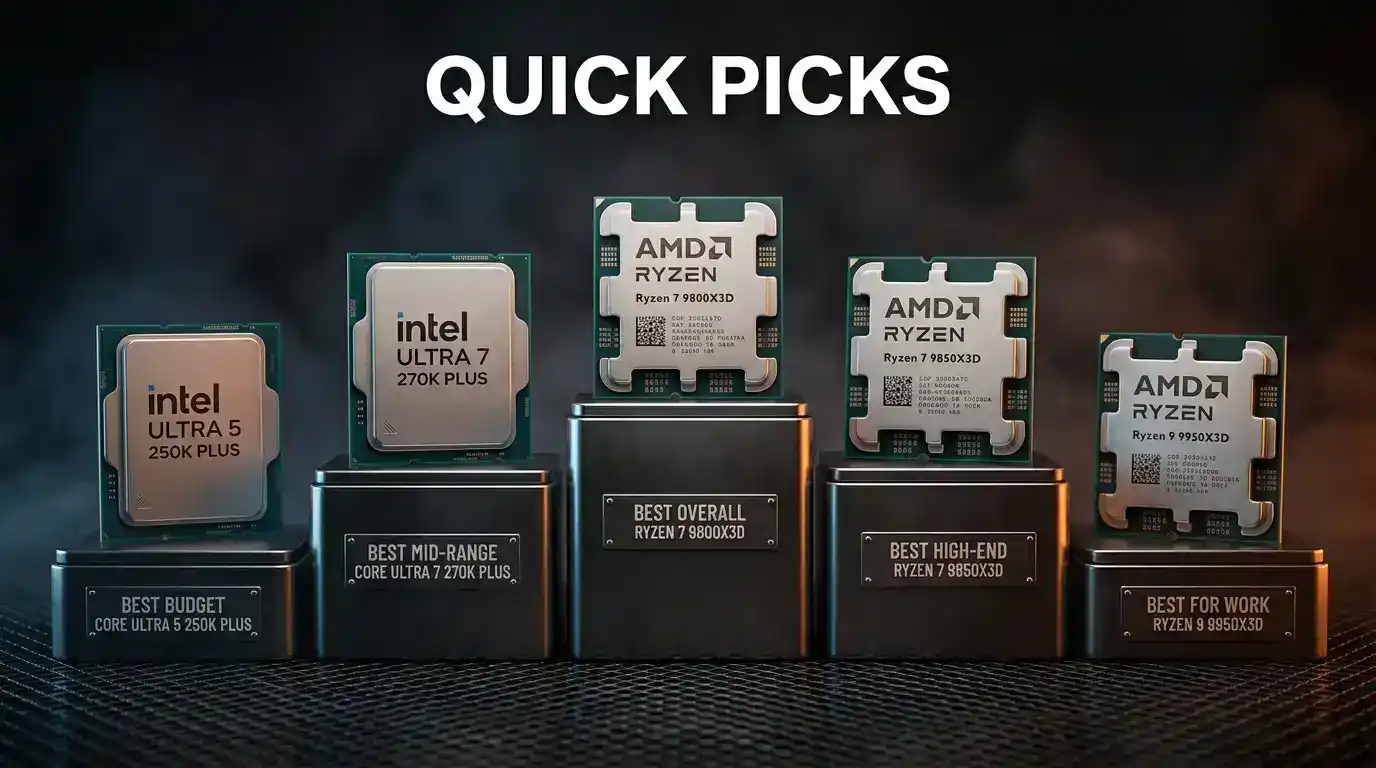
| Category | CPU | Cores / Threads | Socket | MSRP | Best for |
|---|---|---|---|---|---|
| Best overall | AMD Ryzen 7 9800X3D | 8 / 16 | AM5 | $479 (launch) | Almost every gaming build |
| Best budget | Intel Core Ultra 5 250K Plus | 18 (6P + 12E) / 18 | LGA1851 | $199 | Value-focused 1080p and 1440p builds |
| Best mid-range | Intel Core Ultra 7 270K Plus | 24 (8P + 16E) / 24 | LGA1851 | $299 | Gaming plus streaming or creative work |
| Best high-end (gaming) | AMD Ryzen 7 9850X3D | 8 / 16 | AM5 | $499 | Maximum frame rates with a top-tier GPU |
| Best for heavy work | AMD Ryzen 9 9950X3D | 16 / 32 | AM5 | $699 | Hybrid gaming and production PCs |
| Best AM5 budget alt | AMD Ryzen 5 9600X | 6 / 12 | AM5 | $279 (launch) | Cheap entry to AM5 with an upgrade path |
⚡ Fast picks by GPU
- Best CPU for RTX 5070: Core Ultra 5 250K Plus, or Ryzen 5 9600X for the AM5 path.
- Best CPU for RTX 5080: Ryzen 7 9800X3D.
- Best CPU for 1440p: Ryzen 7 9800X3D for high refresh, Core Ultra 7 270K Plus for value.
- Best CPU for 4K: Ryzen 7 9800X3D for consistency, any chip on this list if GPU-bound.
How We Researched This Guide

We built this guide from published reviews and manufacturer announcements rather than our own testing. That means three rules:
- Only released CPUs. Everything here is on sale today. Ryzen 10000 and Intel’s Nova Lake are not covered because they have not launched.
- No invented numbers. Each benchmark is credited to the outlet that produced it, with the test conditions noted when the source gave them.
- Disagreement is reported, not hidden. Reviewers use different games, GPUs, memory speeds, and settings, so percentages from different outlets are not interchangeable.
Sources we leaned on include Tom’s Hardware, GamersNexus, TechSpot, PC Gamer, PCGamesN, Club386, Windows Central, and Ars Technica.
Best Overall Gaming CPU: Ryzen 7 9800X3D
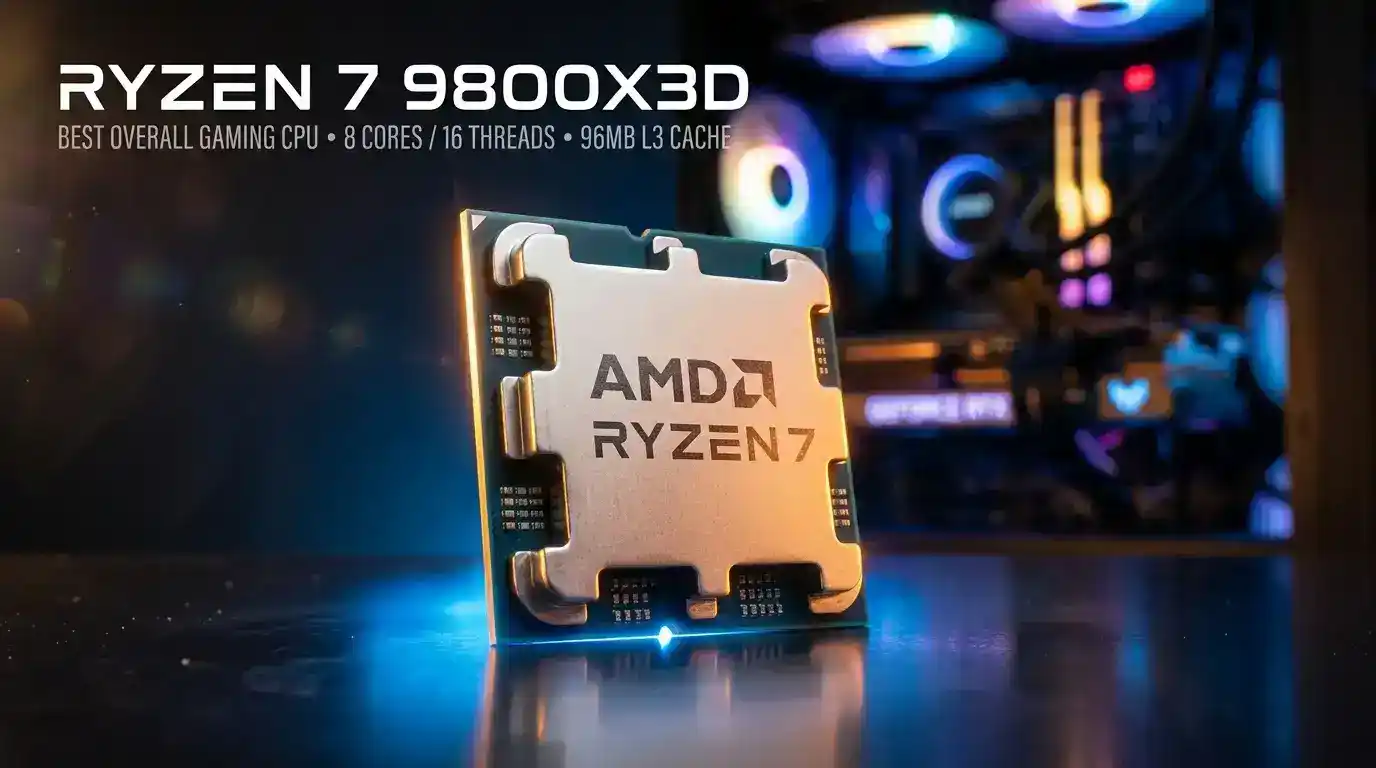
Pick: AMD Ryzen 7 9800X3D · 8 cores / 16 threads · up to 5.2 GHz boost · 96 MB L3 cache · 120 W TDP · AM5 · $479 at launch
The Ryzen 7 9800X3D is the chip most reviewers still point to as the best gaming CPU you can buy for sensible money. PC Gamer’s 2026 CPU guide names it the best overall gaming processor, and notes that it is now unlocked for overclocking.
Why it wins:
- 3D V-Cache: The stacked L3 cache keeps game data close to the cores, which cuts latency in CPU-bound games.
- Efficiency: It runs at a 120 W TDP and draws noticeably less power than Intel’s top gaming chips under load.
- Price relative to its successor: The newer Ryzen 7 9850X3D is only a modest step up. The 9800X3D has been discounted since launch.
- Platform longevity: It sits on AM5, which AMD has said it will support through 2029.
What to know before buying:
- Tom’s Hardware found the 9800X3D can match the 9850X3D with simple PBO settings.
- It has only eight cores. For heavy rendering or compiling, Intel’s Core Ultra 7 270K Plus and AMD’s 16-core Ryzen 9 chips are stronger.
Who should buy it: Anyone building a gaming PC around an RTX 5080-class GPU or better, or gaming at high refresh rates.
Best Budget Gaming CPU: Core Ultra 5 250K Plus

Pick: Intel Core Ultra 5 250K Plus · 18 cores (6 P-cores + 12 E-cores) · up to 5.3 GHz · 30 MB L3 / 60 MB total cache · up to 159 W max turbo power · LGA1851 · $199 MSRP
Intel’s Arrow Lake Refresh changed the budget conversation. The 250K Plus launched at $199, roughly 35% below the Core Ultra 5 245K’s launch price, and reviewers called it the best sub-$200 gaming CPU at launch.
What reviewers found:
- Gaming: In PC Gamer’s tests, it averaged 118 fps in Cyberpunk 2077 at 1080p with RT Ultra and DLSS Balanced, versus 107 fps for the Ryzen 5 9600X.
- Mixed results: TechSpot found the Ryzen 5 9600X was 19% faster in Rainbow Six Siege X, while the 250K Plus was 14% faster in The Last of Us Part II Remastered.
- Productivity: Several reviewers described its multi-core performance as excellent for the price.
Trade-offs:
- The X3D chips still win in cache-hungry games.
- LGA1851 is a platform Intel is expected to move away from. Intel’s Nova Lake is reported to use a new LGA1954 socket.
Budget alternatives: AMD Ryzen 5 9600X and AMD Ryzen 5 7500X3D.
Who should buy it: Builders pairing the CPU with an RTX 5070-class card or below, or anyone prioritizing value.
Best Mid-Range Gaming CPU: Core Ultra 7 270K Plus
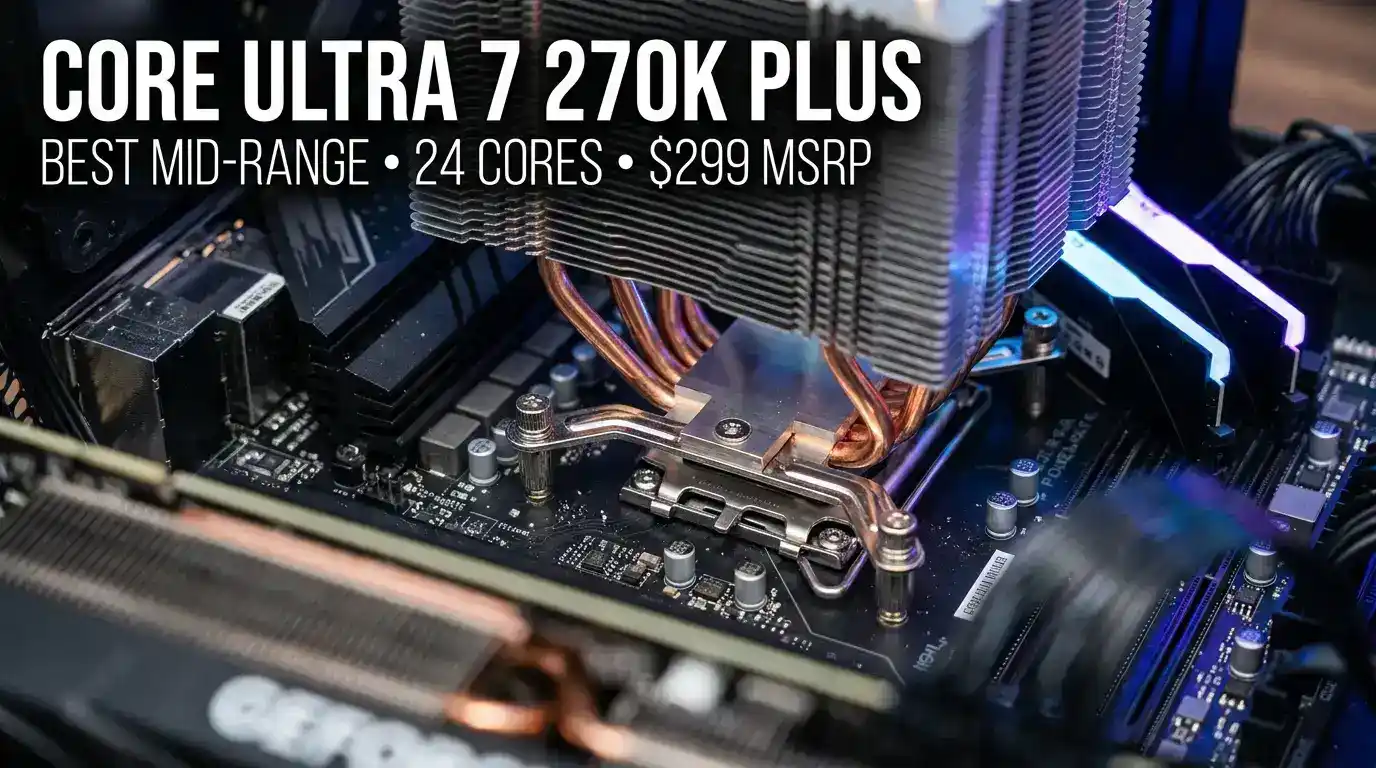
Pick: Intel Core Ultra 7 270K Plus · 24 cores (8 P-cores + 16 E-cores) · up to 5.5 GHz · 125 W base power · LGA1851 · $299 MSRP
The 270K Plus is the best mid-range pick because it does two things well at a price that undercuts AMD’s gaming flagships by a wide margin.
Where it stands in gaming:
- GamersNexus reported 133 fps average in one 1080p test, against 139 fps for the 9800X3D.
- In broader suites, the gap widens. Tom’s Hardware’s 1080p gaming ranking puts the 270K Plus at 77.5% of the 9850X3D’s score.
Where it shines:
- Multi-threaded work: Tom’s multi-thread ranking has it around 68% ahead of the 9850X3D.
- Value: Tom’s Guide calculated price per frame at 1440p of about $2.59 for the 270K Plus.
Trade-offs: It draws far more power than X3D chips under heavy load, and you will want a capable cooler. It also sits on a socket with an uncertain future.
Who should buy it: Gamers who stream, edit video, or render, and anyone who wants strong gaming plus workstation-class multi-core performance.
Best High-End Gaming CPU: Ryzen 7 9850X3D
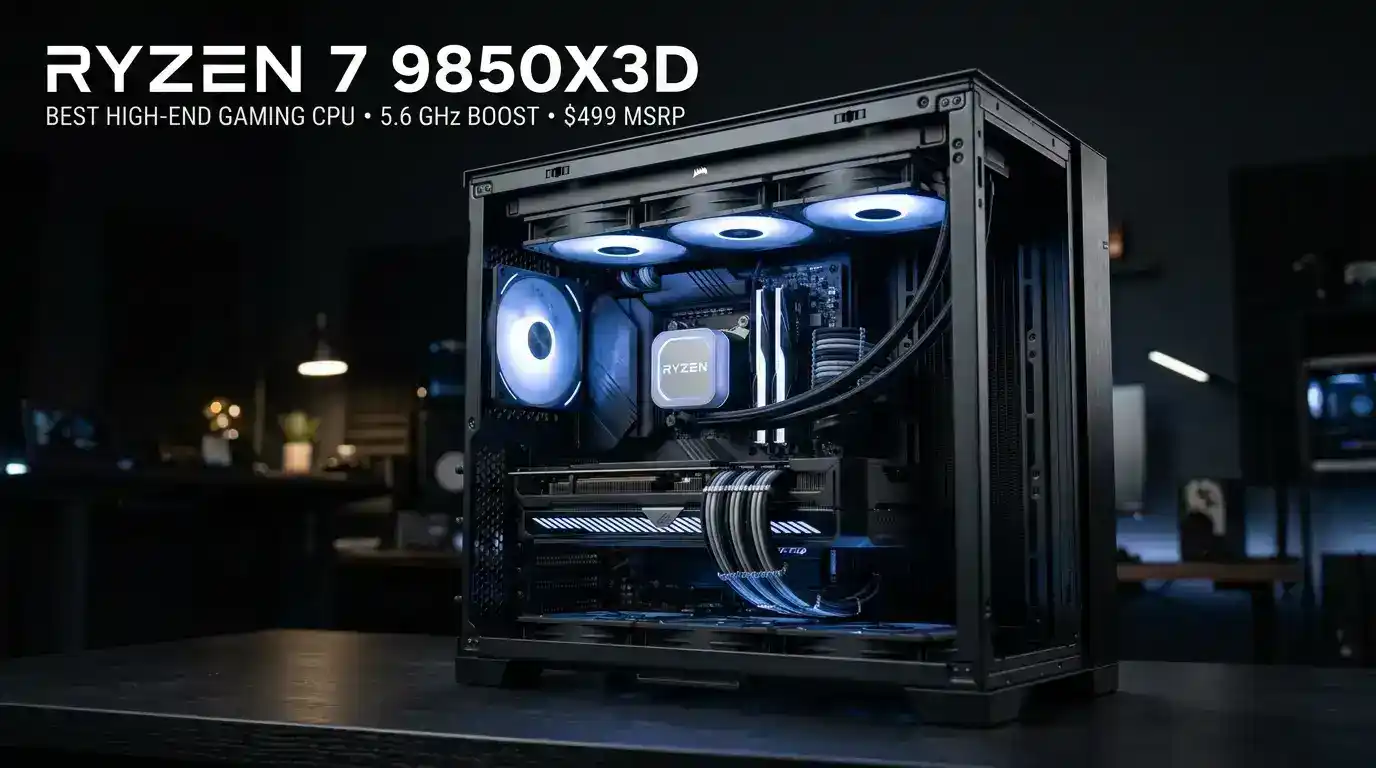
Pick: AMD Ryzen 7 9850X3D · 8 cores / 16 threads · up to 5.6 GHz boost · 96 MB L3 (104 MB total cache) · 120 W TDP · AM5 · $499 MSRP · released January 29, 2026
If you want the fastest gaming CPU you can buy and money is secondary, this is it. The 9850X3D is a higher-binned 9800X3D with a 400 MHz higher maximum clock.
What independent reviewers found:
- GamersNexus found it was at best about 4% faster than the 9800X3D and sometimes identical.
- Tom’s Hardware measured roughly 3% more performance for about 30% more power.
- Windows Central measured a 25% to 30% lead over the older Ryzen 7 7800X3D.
Verdict: It is the best high-end gaming CPU on pure performance, and the 9800X3D is the better buy for most people.
💡 The 16-core alternatives
If you also do serious production work, two 16-core X3D chips exist: the Ryzen 9 9950X3D (16 cores / 32 threads, $699) and the Ryzen 9 9950X3D2 Dual Edition (16 cores / 32 threads, 192 MB L3, $899). Reviewers note the 9950X3D2 offers only “a smidge” more performance over the 9950X3D.
Best CPU for Streaming and Gaming
Streaming adds encoding, scene compositing, chat overlays, and background apps on top of the game. More cores help, though many streamers offload encoding to the GPU’s hardware encoder.
- Value pick: Core Ultra 7 270K Plus. Its 24 cores give you plenty of headroom for OBS, Discord, a browser, and a game at once.
- No-compromise pick: Ryzen 9 9950X3D. 16 cores plus X3D cache for gaming, though it costs $699.
- GPU-encoding pick: Ryzen 7 9800X3D. Eight cores handle a typical game-plus-stream setup if you use NVENC or AV1.
AMD vs Intel for Gaming in 2026
| Factor | AMD Ryzen (X3D) | Intel Core Ultra 200S Plus |
|---|---|---|
| Top gaming performance | Leads across most reviews | Behind X3D, closer in some titles |
| Price of cheapest strong option | Higher (X3D starts near $299) | Lower ($199 for the 250K Plus) |
| Multi-core performance | Strong on Ryzen 9, modest on 8-core | Excellent, especially with E-cores |
| Power under load | Lower on 8-core X3D chips | Higher, especially in all-core work |
| Platform | AM5, supported through 2029 | LGA1851, successor socket reported |
| Memory support (official) | DDR5-5600 on Ryzen 9000 | DDR5-7200 on 250K and 270K Plus |
The honest takeaway: AMD’s X3D advantage is real and shows up in reliable benchmark conclusions. However, Intel’s pricing pressure is also real. If your budget allows an X3D chip without shortchanging your GPU, buy the X3D. If the $150 to $200 saved would buy you a noticeably better graphics card, the Intel route may make a faster overall PC.
Gaming Benchmarks: What Reviewers Measured
| Test | Result | Source |
|---|---|---|
| 1080p gaming suite, normalized | 9850X3D = 100%, Core Ultra 7 270K Plus = 77.5% | Tom’s Hardware via TechRepublic |
| 9850X3D vs 9800X3D | At best about 4% faster, sometimes identical | GamersNexus |
| 9850X3D vs 9800X3D | About 3% faster, about 30% more power | Tom’s Hardware |
| 9850X3D vs Ryzen 7 7800X3D | 25% to 30% faster | Windows Central |
| 270K Plus vs 9800X3D, one 1080p game | 133 fps vs 139 fps average | GamersNexus |
| Cyberpunk 2077, 1080p RT Ultra + DLSS | 250K Plus 118 fps, 9600X 107 fps | PC Gamer |
| Baldur’s Gate 3, 1080p Ultra | 250K Plus 109 fps, 9600X 92 fps | PC Gamer |
| Rainbow Six Siege X | 9600X 19% faster than the 250K Plus | TechSpot |
| The Last of Us Part II Remastered | 250K Plus 14% faster than the 9600X | TechSpot |
1440p gaming
At 1440p, the GPU does more of the work, so CPU differences shrink in many games. They do not vanish. If you play fast esports titles, simulation games, or strategy games, the CPU still sets your ceiling. Best for high refresh: Ryzen 7 9800X3D. Best value: Core Ultra 5 250K Plus or Core Ultra 7 270K Plus.
4K gaming
At 4K, most modern games are limited by the graphics card, so you will often see small CPU differences in average frame rates. The CPU still matters for 1% lows (stutter) and future-proofing. Best for 4K: Ryzen 7 9800X3D for frame-time consistency, or a Core Ultra 5 250K Plus if the money is better spent on the GPU.
Productivity Benchmarks
| Test | Result | Source |
|---|---|---|
| Multi-thread ranking | 270K Plus 91.9% vs 9850X3D 54.8% | Tom’s Hardware |
| Multi-core points per dollar | 250K Plus 107.52, 270K Plus 79.23 | Tom’s Guide |
| 250K Plus vs Ryzen 7 9700X | 250K Plus ahead in Corona rendering | Club386 |
| 9950X3D2 vs 9950X3D | 3% to 4% ahead in Geekbench single-core | Club386 |
Reading the table: Intel leads in rendering, compiling, and heavy encoding at lower prices. AMD’s Ryzen 9 X3D chips match strong productivity with top-tier gaming, but cost more. Eight-core X3D chips are not productivity chips.
Power Consumption and Cooling

| CPU | Rated power | Reviewer observations |
|---|---|---|
| Ryzen 5 9600X | 65 W TDP | One of the most power-efficient gaming CPUs available |
| Ryzen 7 9800X3D | 120 W TDP | Efficient in games |
| Ryzen 7 9850X3D | 120 W TDP | About 164 W through the EPS cables in an all-core load |
| Core Ultra 5 250K Plus | 125 W base, 159 W max turbo | Solid power efficiency |
| Core Ultra 7 270K Plus | 125 W base, 250 W max turbo | About 230 W to 251 W CPU package power in Blender |
| Ryzen 9 9950X3D | 170 W TDP | Higher gaming power than the 9800X3D |
❄️ Cooling Advice
- Ryzen 5 9600X and 7500X3D: A good mid-range air cooler is enough.
- Ryzen 7 9800X3D and 9850X3D: A quality dual-tower air cooler or a 240 mm AIO is a safe choice.
- Core Ultra 7 270K Plus and Ryzen 9 chips: Plan on a 280 mm or 360 mm AIO if you run heavy all-core workloads.
Check whether a cooler is included. AMD’s 9000-series boxed X3D chips and Intel’s K-series chips generally ship without one.
Platform Compatibility: AM5 vs LGA1851

AMD AM5
- Supports Ryzen 7000, 8000, and 9000 chips.
- AMD confirmed at Computex 2026 that AM5 support extends through 2029.
- Works with DDR5 only. Check board support for your CPU.
- Compatible chipsets include X870E, X670E, and B650E.
Intel LGA1851
- Supports Core Ultra 200S and 200S Plus processors, with Z890 and B860-series boards.
- Supports faster official memory (DDR5-7200 on the 250K Plus and 270K Plus).
- Intel’s next desktop generation, Nova Lake, is reported to use a different socket, LGA1954.
What this means for you: If you like swapping CPUs every few years, AM5 is the safer long-term platform. If you want to buy once and run the PC for several years, either platform works.
Gaming CPU Buying Guide
- Set a budget split: Put the biggest share into the GPU, then pair it with the strongest CPU you can afford without starving the graphics card.
- Know CPU-bound vs GPU-bound: CPU-bound games (esports, simulation, strategy) respond strongly to a better CPU. GPU-bound scenarios (4K, ray tracing) respond mainly to a better GPU.
- Prioritize cache for gaming: 3D V-Cache is the single biggest factor separating the best gaming CPUs from the rest. Eight cores are enough for almost every current game.
- Choose core count by workload: Gaming only (6-8 cores), Gaming + streaming (12-24 cores), Gaming + rendering (16-24 cores).
- Check the platform and board: AM5 needs a DDR5 board. LGA1851 needs Z890 or B860.
- Think about upgrades: AM5’s long support window means you can start with a Ryzen 5 9600X and move to a faster chip later.
- Should you wait?: Reports say both Zen 6 and Nova Lake have slipped toward 2027. If you need a PC now, buy now.
- Do not overbuy: Skip the 9950X3D2 for gaming alone. Skip the 9850X3D if the 9800X3D is discounted. Skip a flagship CPU if you pair it with a mid-range GPU.
FAQs

What is the best gaming CPU in 2026?
The AMD Ryzen 7 9800X3D is the best gaming CPU for most buyers in 2026. It delivers top-tier gaming performance with 96 MB of L3 cache, a 120 W TDP, and AM5 platform support through 2029.
Is AMD or Intel better for gaming in 2026?
AMD is better for pure gaming performance because of its 3D V-Cache chips. Intel’s Core Ultra 5 250K Plus and Core Ultra 7 270K Plus offer better value and stronger multi-core performance.
Is the Ryzen 7 9850X3D worth it over the 9800X3D?
Usually not. Reviewers measured gains of roughly 3% to 4% at best, with substantially higher power draw. Buy the 9850X3D only if the price difference is small.
What is the best CPU for the RTX 5070?
The Core Ultra 5 250K Plus or Ryzen 5 9600X is the sensible pair for an RTX 5070. An RTX 5070 is typically limited by the GPU, so a very expensive CPU adds little.
What is the best CPU for the RTX 5080?
The Ryzen 7 9800X3D is the best match for an RTX 5080. It avoids CPU bottlenecks at 1440p with high refresh rates. The Core Ultra 7 270K Plus is a cheaper alternative with stronger multi-core performance.
How many cores do I need for gaming?
Six to eight strong cores are enough for nearly all games. Extra cores help with streaming, rendering, and background tasks, but cache and per-core speed matter more for frame rates.
Do I need a cooler with these CPUs?
Most K-series Intel chips and AMD’s X3D chips ship without a cooler, so budget for one. Higher-power chips like the Core Ultra 7 270K Plus and Ryzen 9 X3D models benefit from a larger AIO.
Conclusion
The best gaming CPU in 2026 comes down to what you are buying it for.
- Best overall: Ryzen 7 9800X3D.
- Fastest for gaming: Ryzen 7 9850X3D, but only if the price gap is small.
- Best budget: Core Ultra 5 250K Plus ($199), with the Ryzen 5 9600X as an AM5 alternative.
- Best mid-range: Core Ultra 7 270K Plus ($299), especially if you stream or create.
- Best for gaming plus heavy work: Ryzen 9 9950X3D.
Pick the CPU that matches your GPU, your resolution, and your workload, then spend the rest where it counts. For most gamers, that means a Ryzen 7 9800X3D with a strong graphics card, or a Core Ultra 5 250K Plus with the savings put toward a better GPU.
Ready to build?
👉 Check our PC Gaming Hub for build guides, GPU comparisons, and deals.
👉 Subscribe to the Velogamer newsletter for price-drop alerts and monthly CPU updates.
Have a CPU question we did not answer? Leave a comment and we will update this guide.